Memberships Overview
Create your own courses, programs, or training from the Memberships menu. You'll be able to store and organize your content and share it with your team or your clients.
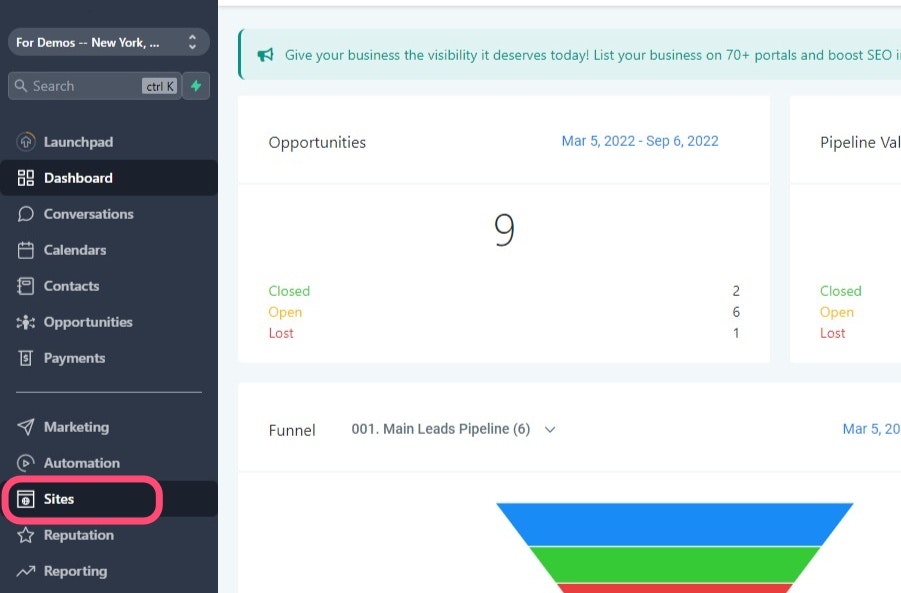
Navigate To The Sites Tab
On your main menu, click on the "Sites" tab.
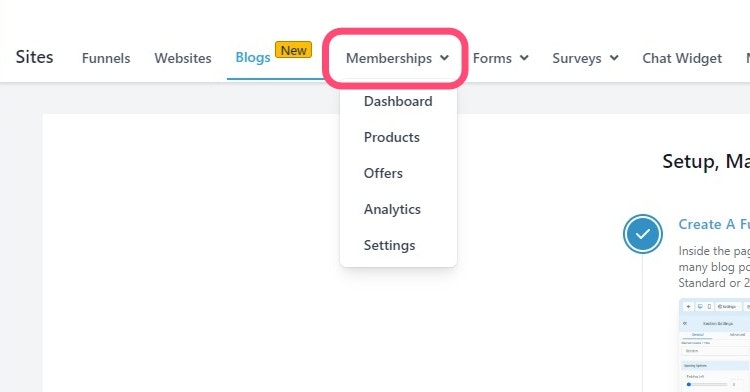
Go To Memberships
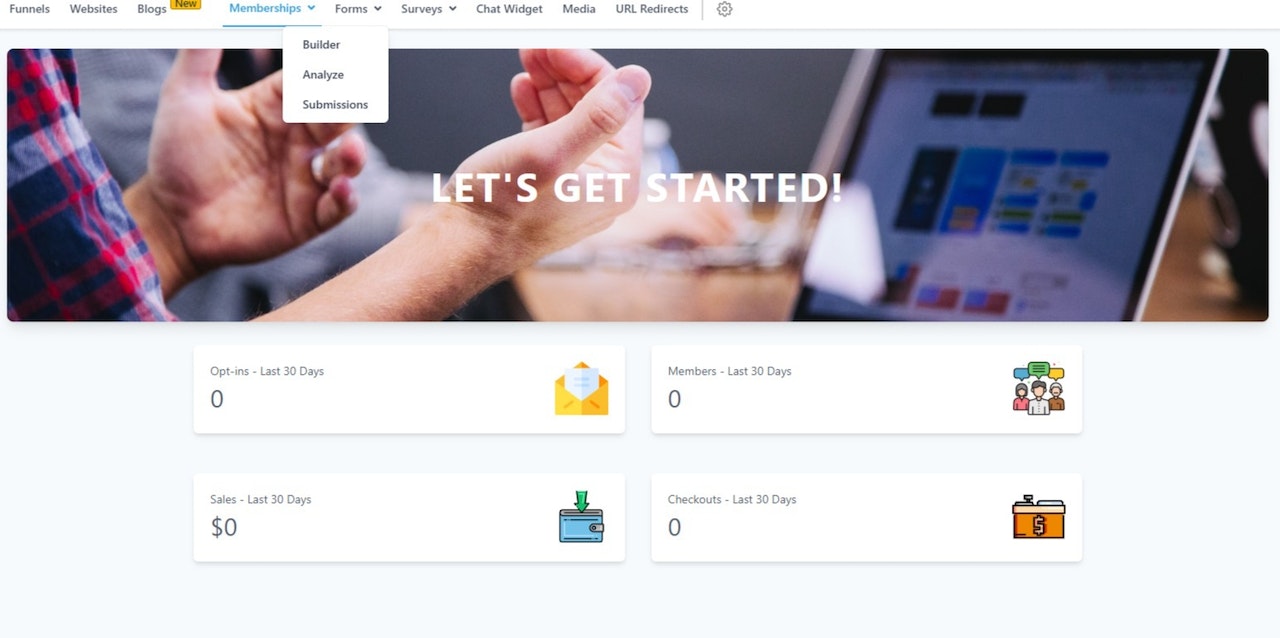
The first thing you'll see will be the Dashboard. This panel will show you how many people have "Opted-In" in the last 30 days.
Dashboard
The first thing you'll see will be the Dashboard. This panel will show you the latest activity in your membership area in the last 30 days.
Products
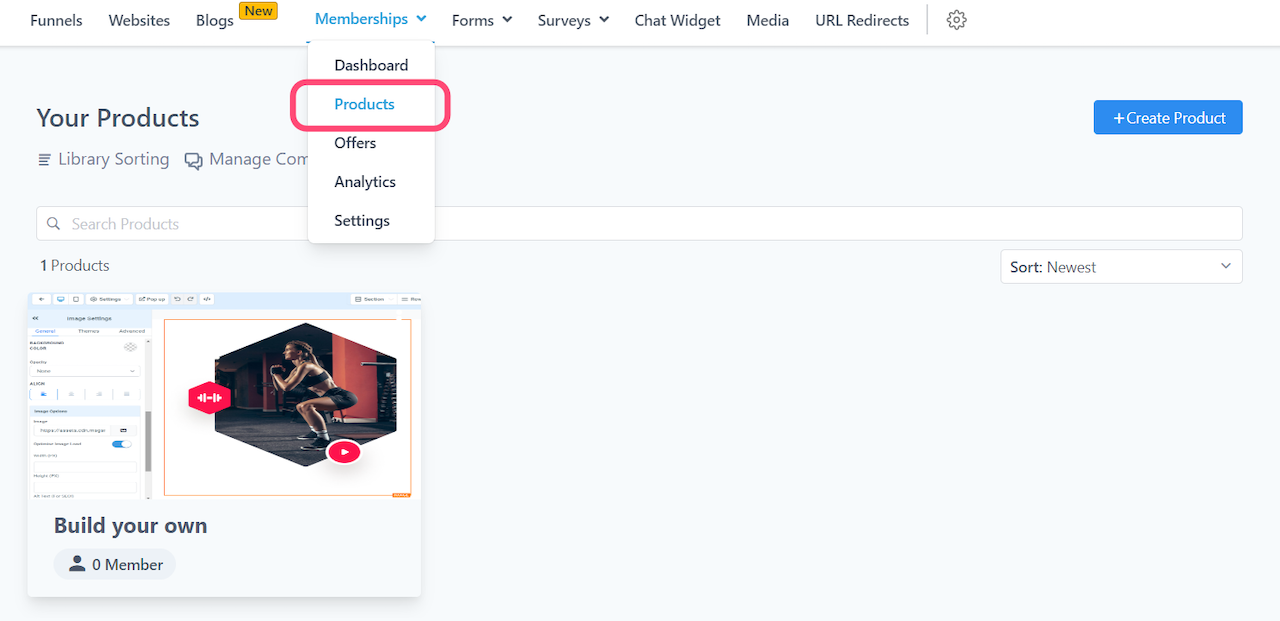
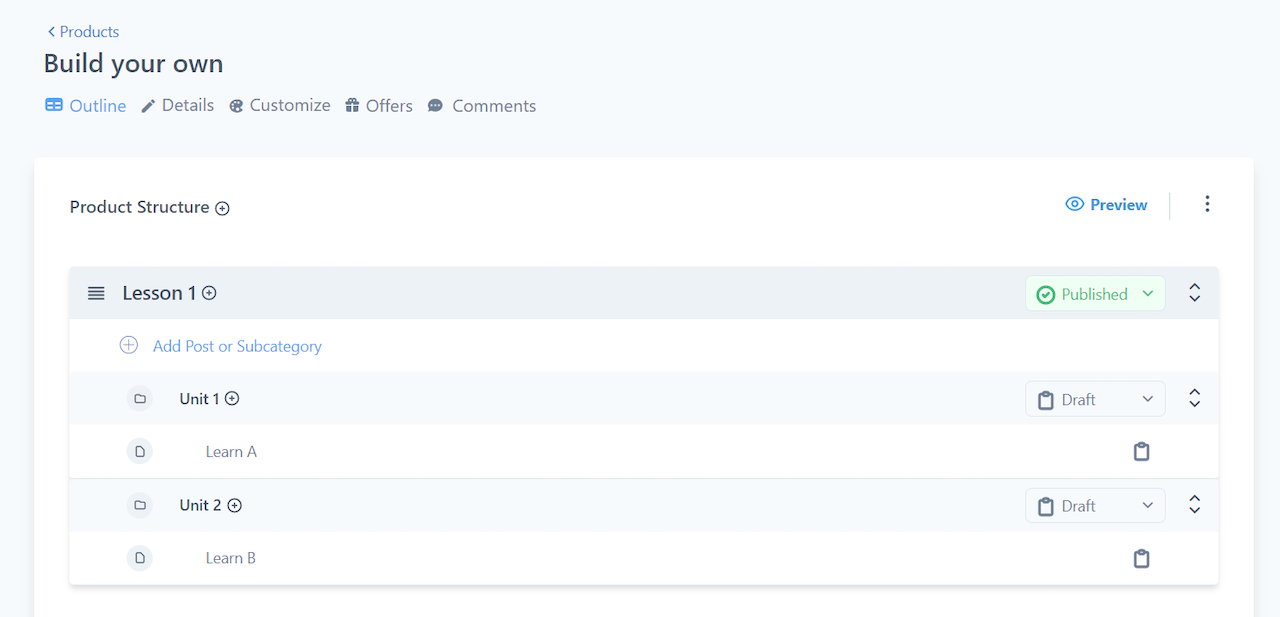
Here's where you'd upload your content. Products function similarly to a folder, within every product you'll have categories > subcategories > posts.
Offers
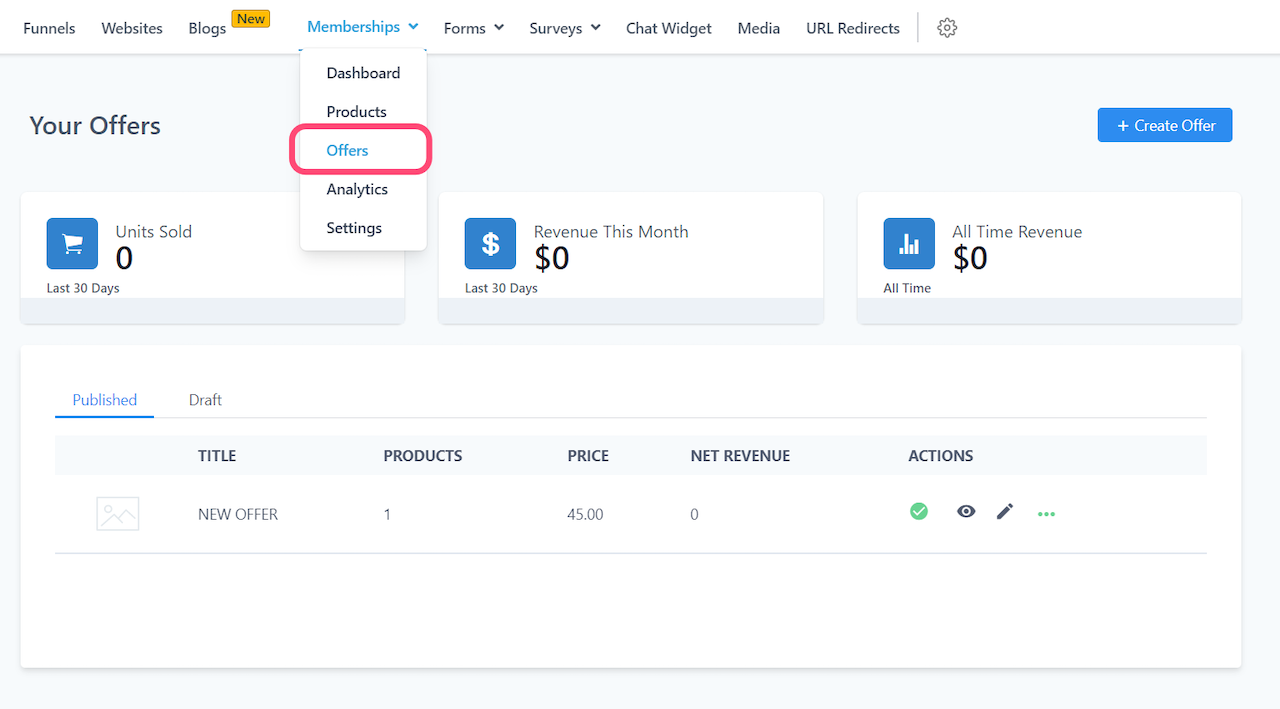
Set up your offers so you can share access to your products to the public.
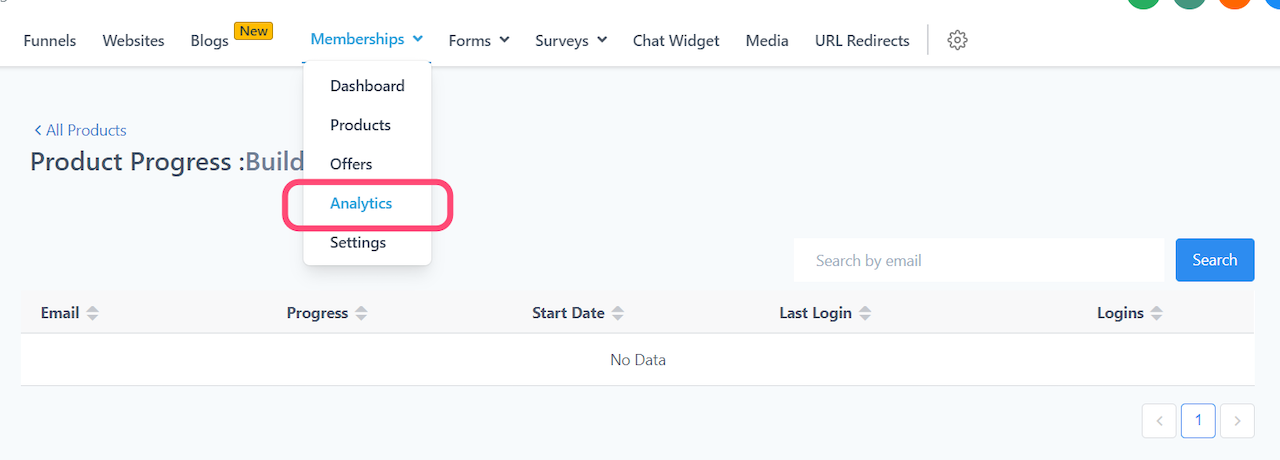
Analytics
Check on the progress each member has made on all of your courses.
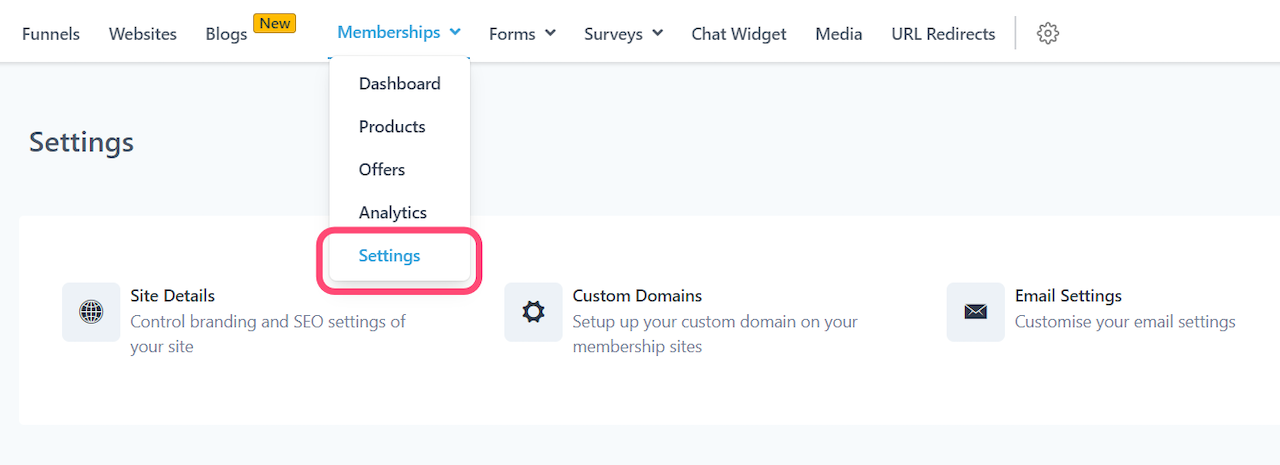
Settings
Memberships are separate from your websites and funnels, therefore it'll have its own domain and site settings. In order to have a membership area customized to your business, make sure to adjust these settings.